# Data Connector Blob Storage
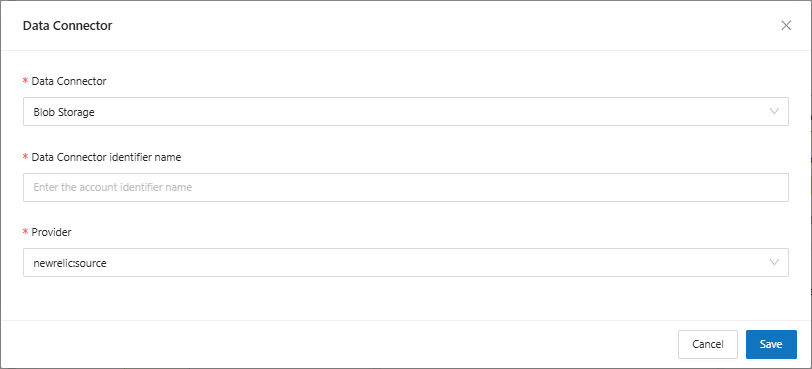
On the main Data Connectors screen, when clicking the “Add” button, the system will display the screen to connect a new data source to the platform.
For each Data Connector option available on the platform, the system will present some additional fields to be filled in.
When selecting the **Blob Storage** option, you will be asked to fill in the following fields:
* **Data Connector Identifier Name**: Enter the name that will identify the data source that will be connected
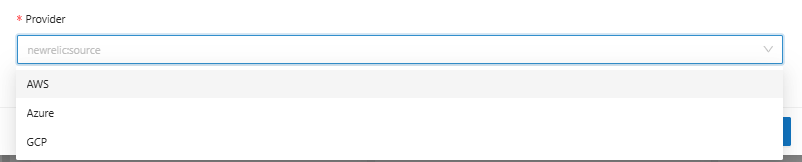
* **Provider**: Select the desired provider from the available options.