# Overview

In the Overview, you can get a general view of the CCA analyses, such as the **total number of issues**, **resources with cost-saving opportunities**, and the **estimated (monthly) savings potential**. Below, we will explain each view in more detail.

This feature is important to have a preview of the opportunities that are available for carrying out savings actions.

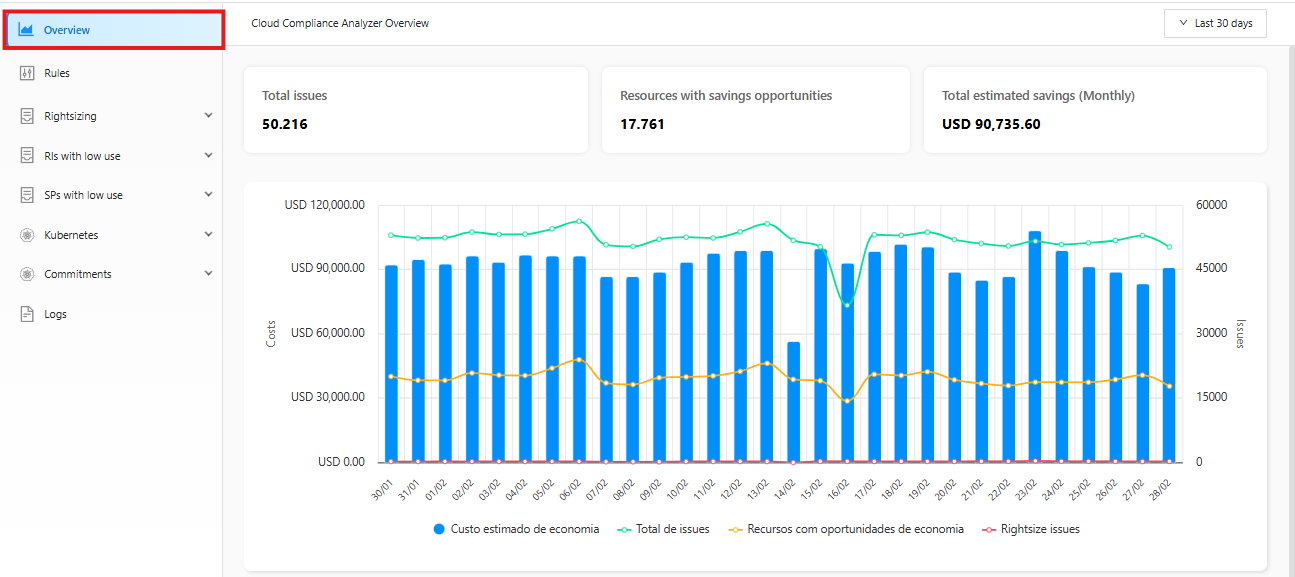
**How to get to Overview:**

1. In the CCA side feature menu, select Overview.

<figure><img src="https://1687673077-files.gitbook.io/~/files/v0/b/gitbook-x-prod.appspot.com/o/spaces%2FZ9sinLUl52lDK1vg6b8g%2Fuploads%2Fnp71653jMsh0YQvfhMSK%2Fimage.png?alt=media&#x26;token=05682051-9851-476e-80df-344f7a43bce5" alt=""><figcaption></figcaption></figure>

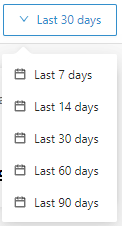
2\. Select the period you want:

<figure><img src="https://1687673077-files.gitbook.io/~/files/v0/b/gitbook-x-prod.appspot.com/o/spaces%2FZ9sinLUl52lDK1vg6b8g%2Fuploads%2FrvBoxDR3ezdHP4GT3OXK%2Fimage.png?alt=media&#x26;token=696b9e77-6e9c-4095-96cd-1b940251150e" alt=""><figcaption></figcaption></figure>

In the top bar, select the period you want by moving the mouse over the period box, which will open with the possible selection periods.

<figure><img src="https://1687673077-files.gitbook.io/~/files/v0/b/gitbook-x-prod.appspot.com/o/spaces%2FZ9sinLUl52lDK1vg6b8g%2Fuploads%2F1Gtl40zXBhziHqG0hdp9%2Fimage.png?alt=media&#x26;token=8f7ca26e-6135-4518-aa6e-478e6d44bdf1" alt=""><figcaption></figcaption></figure>

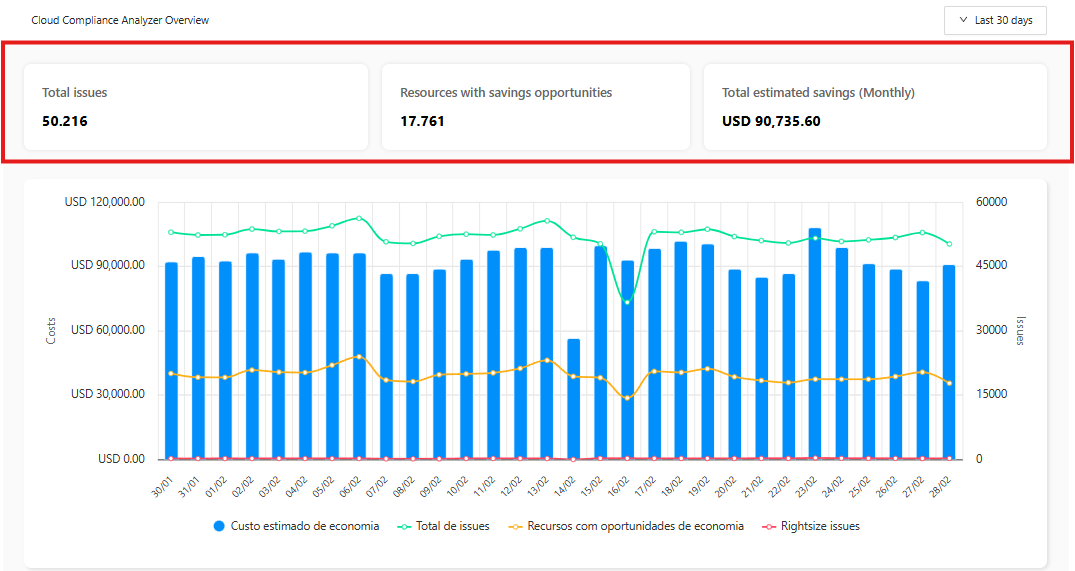
3. CCA Overview Table.

* **Total de issues:** Indicates the total number of actions that can be carried out within the CCA recommendations.
* **Resources with savings opportunities** Indicates the amount of resources that are available with savings opportunities if the action is carried out.
* **Total estimated savings (Monthly):** Monthly savings to be realized by implementing recommended opportunities. Savings are estimated based on usage over the last 30 days.

<figure><img src="https://1687673077-files.gitbook.io/~/files/v0/b/gitbook-x-prod.appspot.com/o/spaces%2FZ9sinLUl52lDK1vg6b8g%2Fuploads%2FfqmkbQ1WrHuPP9j92ZAb%2Fimage.png?alt=media&#x26;token=55f1e68c-db4b-4699-85c6-94fd48cfc8a3" alt=""><figcaption></figcaption></figure>

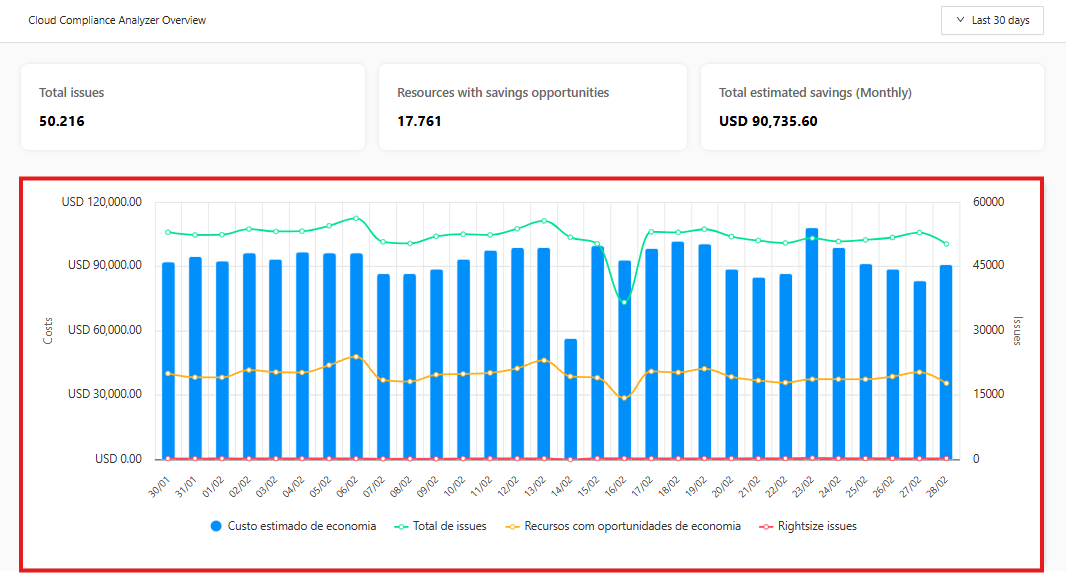
4. Daily view of estimated monthly savings amount.

The blue bar graph indicates the monthly savings amount that was related to the chosen period.
<figure><img src="https://1687673077-files.gitbook.io/~/files/v0/b/gitbook-x-prod.appspot.com/o/spaces%2FZ9sinLUl52lDK1vg6b8g%2Fuploads%2F031gSHrulF1SGuWDzfn6%2Fimage.png?alt=media&#x26;token=b53f457a-2266-48a3-9e2b-8d7afb25428c" alt=""><figcaption></figcaption></figure>