# Services
1. When selecting the “**Services**” resource type, the system will request the following additional information:
### Properties
* **Contract**: Select the contract option related to the service.
* **Description**: Enter a brief description of the resource being registered.
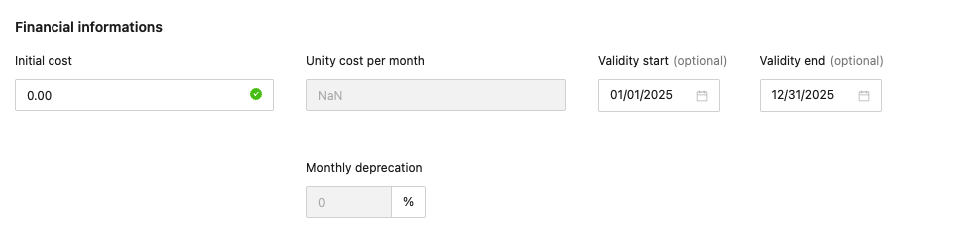
### Financial Information
* **Resource** **value**: Enter the value corresponding to the service being registered.
* **Unit cost/month**: Not applicable.
* **Start date**: Enter the start date of the service’s validity period.
* **End date**: Enter the end date of the service’s validity period.
* **Monthly depreciation**: The monthly depreciation percentage will be filled in automatically.
Finally, by clicking the **Save** button, the system will store the registered resource in the Data Center and return to the main resources screen.